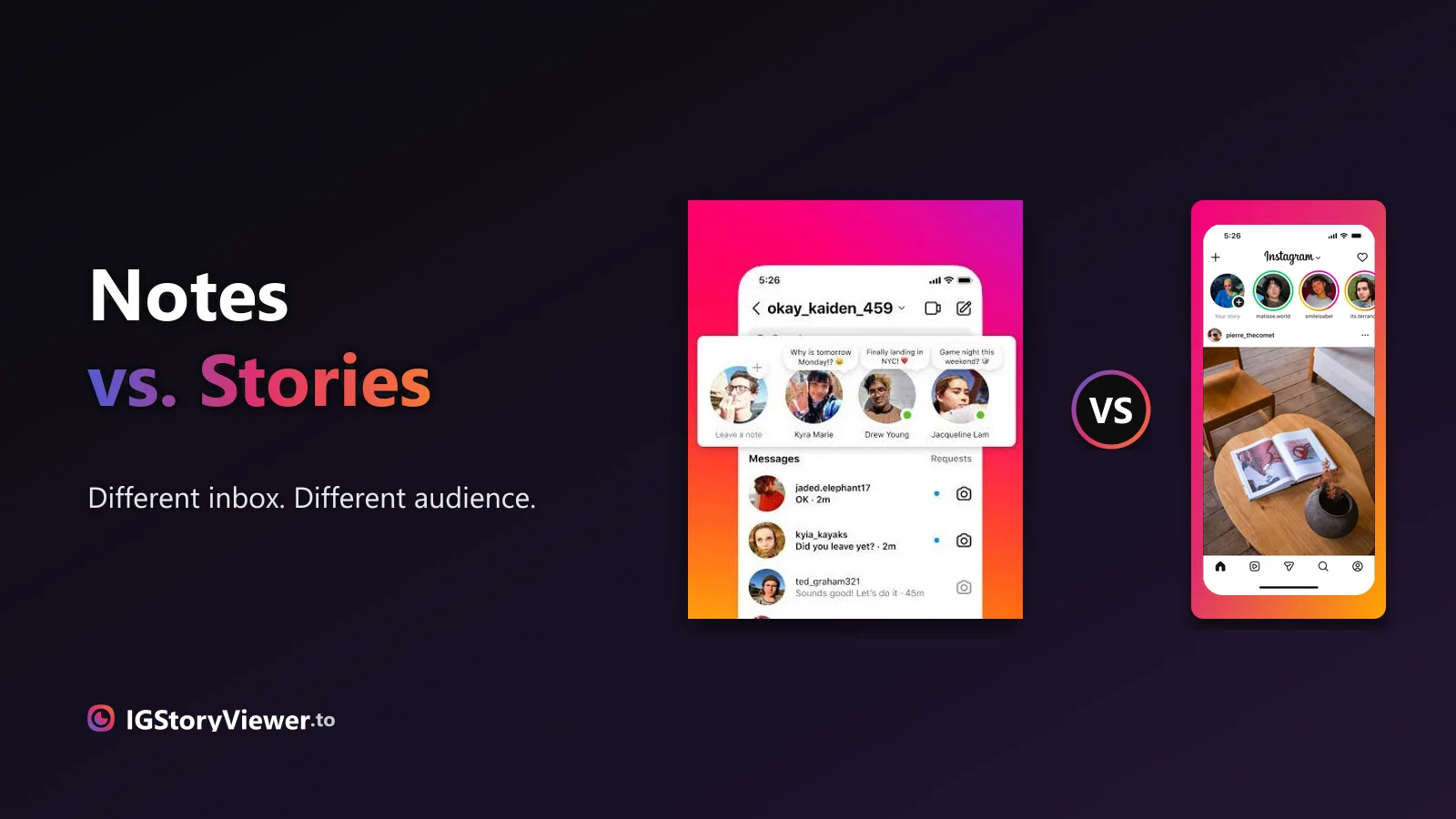
Instagram Notes vs. Stories: What's the Difference and Who Actually Sees It
A Note lives above your DM inbox and disappears in a day. A Story lives in the main feed. Here's what actually separates them.
 IG Story Viewer TeamSeptember 6, 20266 min read
Your Story screen is blank and you've got nothing. Here are 37 ideas, sorted into 8 categories, so you always have somewhere to start.
You open the camera, the Story screen is blank, and you've got nothing. Not because nothing happened today — "post something" is just a genuinely hard prompt to answer with no starting point.
The fix isn't more inspiration — it's fewer decisions. Pick a category first, then one specific idea inside it. That's the whole system behind the 37 ideas below, sorted into 8 categories so you're never choosing from a blank list.
Staring at "what should I post" as one giant open question is exactly why it feels hard. Staring at eight specific categories and picking one is a much smaller decision — and it's the difference between opening the app and closing it again.
The process, not just the result — setup, prep, the messy middle.
Polls, quizzes, and sliders — the easiest way to earn a reply.
Any transformation, big or small, works as a two-frame Story.
The ordinary parts of your day that people rarely see.
Someone else's post, plus your honest reaction to it.
Numbers, anniversaries, and thank-yous — worth marking even when small.
One thing you know that your audience doesn't, yet.
No lesson, no pitch — just something worth watching.
Pick two or three that fit this week rather than trying to plan all 37 at once — a Story is meant to be quick, and that includes deciding what goes in it.
The process is usually more interesting than the finished result — most people never see it.
The fastest way to earn a reply is to make the question genuinely easy to answer.
Any transformation works here, no matter how small it seems to you.
The ordinary parts of your day are usually the parts people actually ask about.
Someone else already made the content — your reaction is what makes it yours.
It doesn't have to be a big number to be worth marking.
You already know things your audience doesn't — that's the entire category.
No lesson, no pitch — just something worth watching.
| This-or-that poll | Under a minute | Two options, a poll sticker |
| Before/after reveal | ~5 minutes | Two photos, one swipe |
| Day-in-the-life clip | No extra time | Just film what you're already doing |
| Customer reshare | About a minute | Permission, plus a repost sticker |
| Quick tip | A couple of minutes | One thing you already know |
| Countdown to a launch | 30 seconds | A countdown sticker and a date |
None of this works if it turns into another thing to optimize. A few rules keep it that way:
Stories have the lowest quality bar on the app — a slightly shaky clip still works.
A format that doesn't fit your niche reads as filler, not fun.
The same category with a small variation is still a fresh Story — you don't need a new concept every day.
The 24-hour expiry is what makes a rough, honest Story feel normal instead of risky.
An idea only earns a repeat if it's working for your account specifically — not because it worked for someone else. The metrics actually worth checking will tell you that faster than guessing.
And if you're turning any of these into a Reel or reusing a photo you already shot, the exact Story canvas and safe zones are worth a bookmark before you crop something important out of frame.
If you're ever short on a starting point, looking at what a few accounts you admire are actually posting right now is a reasonable place to begin — our story viewer shows any public account's current Story at full quality, no login required.
See what a public account is actually posting in their Story right now — no login, no guessing.
We build a free, anonymous Instagram story viewer and write practical guides on watching, saving, and understanding Instagram stories — without the hype.
More about usA Note lives above your DM inbox and disappears in a day. A Story lives in the main feed. Here's what actually separates them.
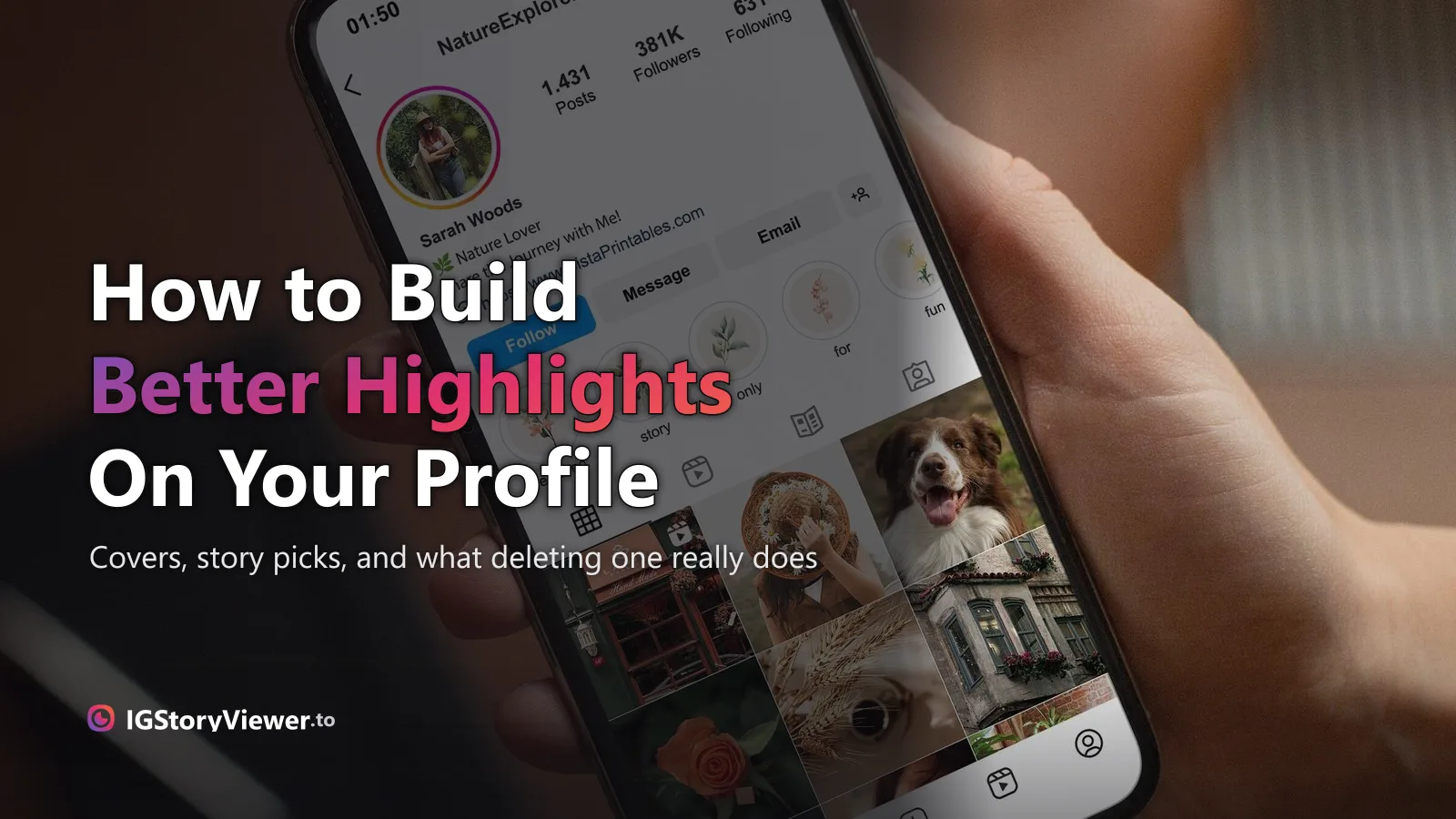
The row of circles under your bio is simpler to build than it looks — here's how to create one, design a cover that matches, and edit it without losing anything.