
Instagram Story Highlights: How to Build, Organize, and Clean Up Yours
The row of circles under your bio is simpler to build than it looks — here's how to create one, design a cover that matches, and edit it without losing anything.
 IG Story Viewer TeamOctober 10, 20266 min read
A Note lives above your DM inbox and disappears in a day. A Story lives in the main feed. Here's what actually separates them.
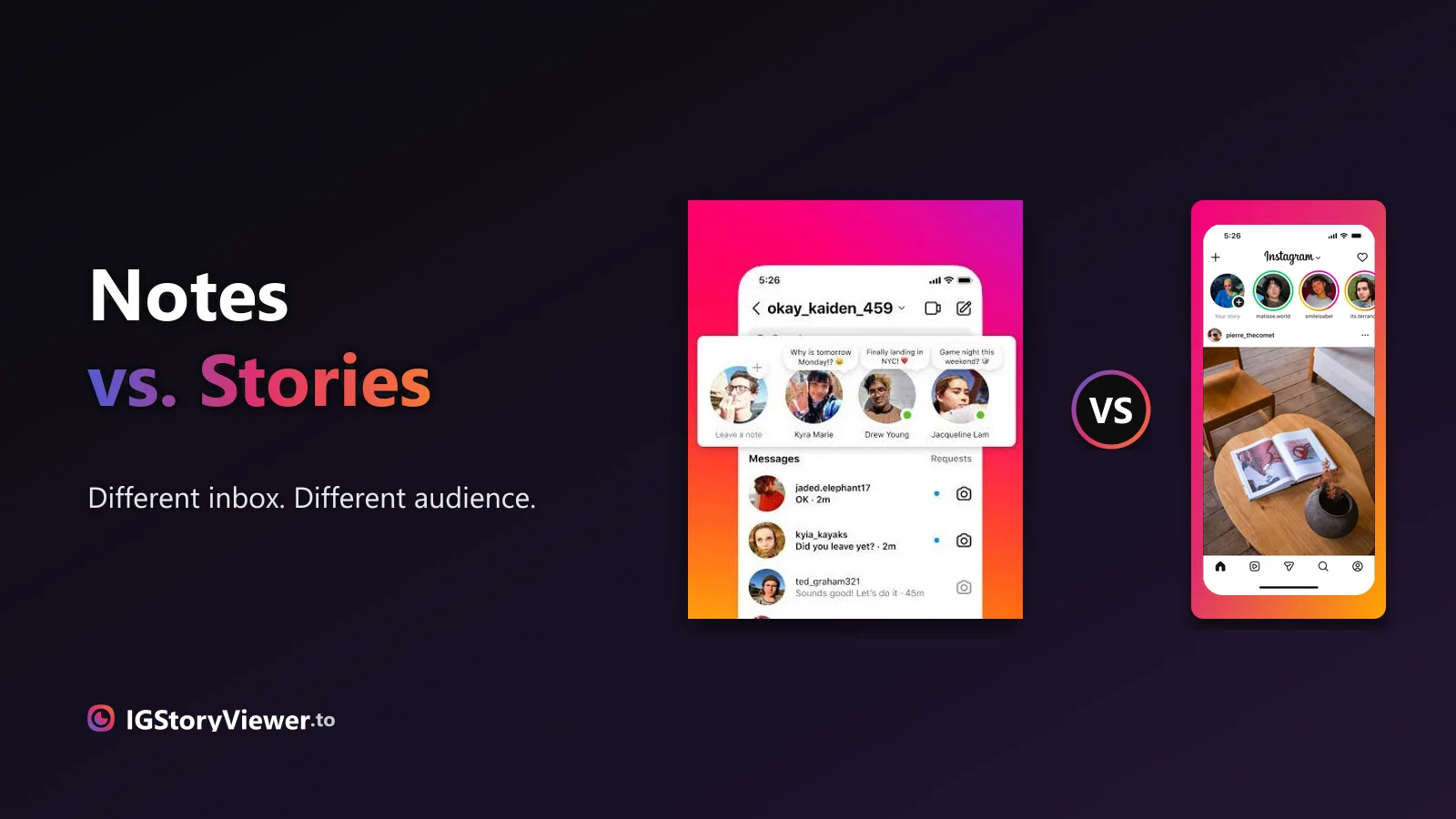
You've probably seen both: a little bubble that says Leave a note above someone's name in your messages, and the usual row of story circles at the top of your feed. They look similar enough — small, circular, gone after a day — but they're built for completely different things.
One lives in your DM inbox and reaches almost nobody. The other lives in your main feed and can reach everyone who follows you. Here's exactly what separates them.
A Note is a short line of text — up to 60 characters — that sits in a small bubble above a profile picture in the DM inbox, yours and your mutuals'. Tap Leave a note and you get one text field. No photo, no video, no caption underneath. Post a new one and it replaces whatever you had up before; there's no running feed of your old Notes to scroll back through, just whichever one is currently showing.
It disappears after 24 hours, the same as a Story. But it never shows up anywhere else — not your profile, not the main feed, not anyone's story tray. The only place a Note ever appears is at the top of the DM inbox, and only for people who could already message you.
A Story is the format most people already know: a photo or video, up to 60 seconds, sitting in the circular tray at the top of the main feed for 24 hours. Anyone who follows you sees it there — or anyone at all, if your account is public. It's not tucked inside a messaging screen; it's front and center the moment someone opens the app.
That's the real split. A Note is a sentence for the people you already talk to. A Story is a photo or video for everyone who follows you.
| Where it lives | Above the DM inbox | The story tray, top of the main feed |
| Format | Text only, up to 60 characters | Photo or video, up to 60 seconds |
| Who can see it | Mutuals — or just your Close Friends list, if you restrict it | Anyone who follows you, or anyone at all if your account is public |
| How many at once | One — a new Note replaces the last | As many as you post within 24 hours |
| Lifespan | 24 hours | 24 hours |
| Viewer list | None — Instagram doesn't show who saw it | Yes — see exactly who viewed it, in order |
By default, a Note only reaches your mutuals — people you follow who also follow you back. Instagram doesn't put it in front of your full follower list the way a Story does, and there's no setting that opens it up wider than that.
You can narrow it even further. The same Close Friends list you'd use for a Close Friends story also works for Notes — switch to it before posting, and only the people on that list see it, mutual or not. Outside of mutuals and Close Friends, a Note is invisible. Nobody can search for it, land on it from a profile, or stumble onto it some other way.
No. A Story tells you exactly who watched it, and in what order. A Note tells you nothing — no count, no names, not even a hint that someone opened it. Instagram hasn't added any analytics to Notes, and nothing suggests that's changing.
That's not an oversight, it's the point. Notes are built to feel low-pressure — a quick, disposable line instead of something you'd refresh to check the numbers on. If you actually want to know whether someone saw what you posted, a Story is the format built to tell you that. A Note never will.
A quick thought for the people you already talk to. Reactions land as DMs, not public replies, and nobody outside your mutuals ever sees it.
A photo or video meant for your whole audience, with a viewer list so you actually know who saw it.
A Story doesn't entirely vanish once it drops out of the tray — there's a personal history behind it that you can still get back to. A Note doesn't get that treatment. Once the 24 hours are up, it's just gone. There's no "past Notes" list to scroll back through the way there sort of is for Stories.
The hard limit on a single Note — no photos, no exceptions.
Same lifespan as a Story, counted from the moment you post it.
Instagram hasn't added viewer analytics to Notes.
Searches for "anonymous story viewer" are common, and honestly answerable — a public account's story is public content, fetchable without logging in. A "Notes viewer" is a different question, and the honest answer is no. A Note only ever gets sent to a mutual's own inbox; it's never public, not even on a fully public account. There's no page to load and no public endpoint for a tool to reach from outside.
Anything advertising that feature is selling something that doesn't exist — usually a front for a survey, a fake app download, or a request for your Instagram login.
If what you actually want is to see someone's public Story without opening the app or landing in their viewer list, that part's real: our story viewer shows their current public story, anonymously, right in your browser. A private Note was never something any tool could show you — a public Story always has been.
No mutual required and no Note involved — see any public account's current story in your browser, at full quality.
We build a free, anonymous Instagram story viewer and write practical guides on watching, saving, and understanding Instagram stories — without the hype.
More about usThe row of circles under your bio is simpler to build than it looks — here's how to create one, design a cover that matches, and edit it without losing anything.
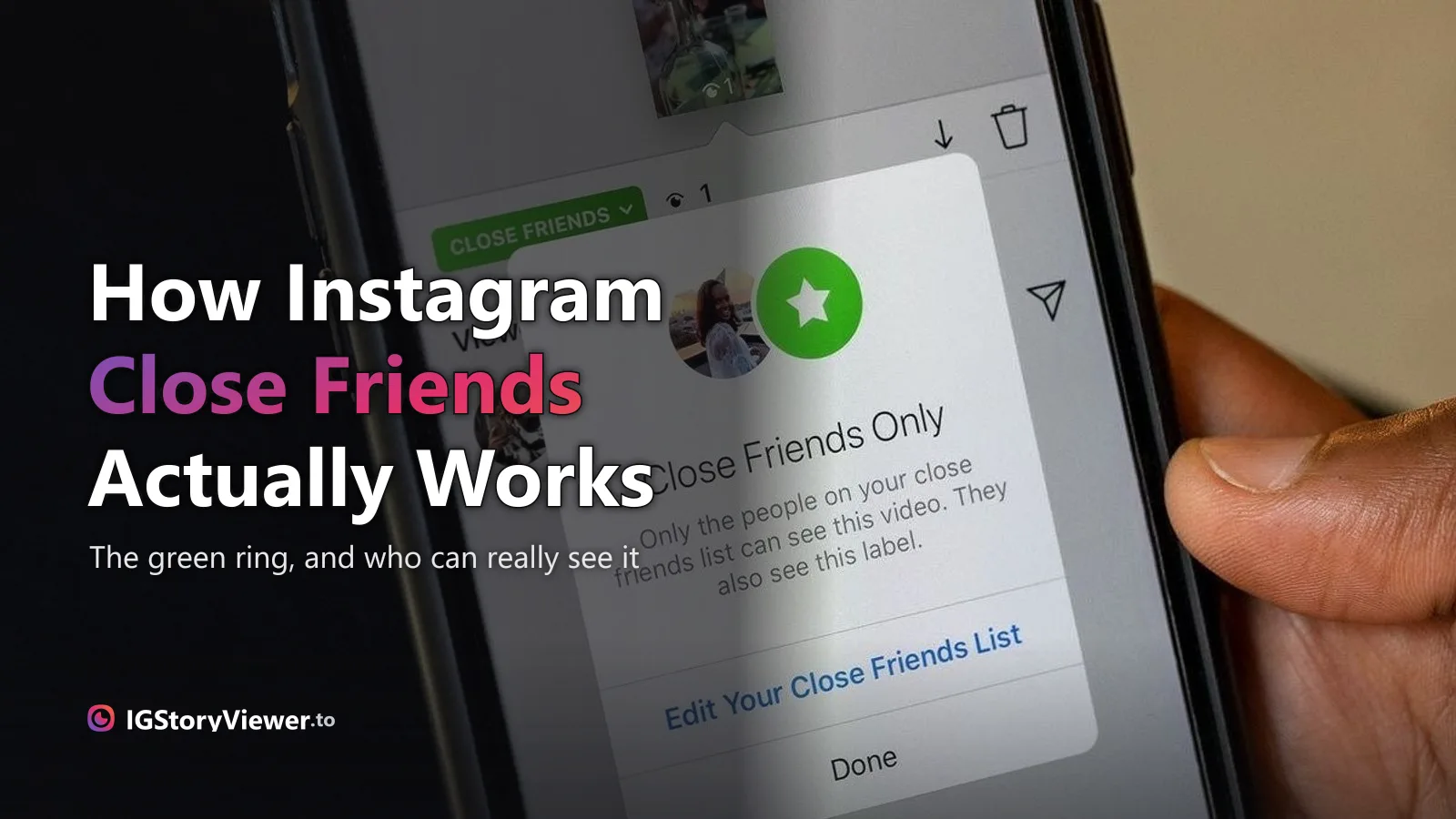
The green ring means someone posted a Close Friends story. Here's what that actually restricts — and whether any viewer, ours included, can get around it.