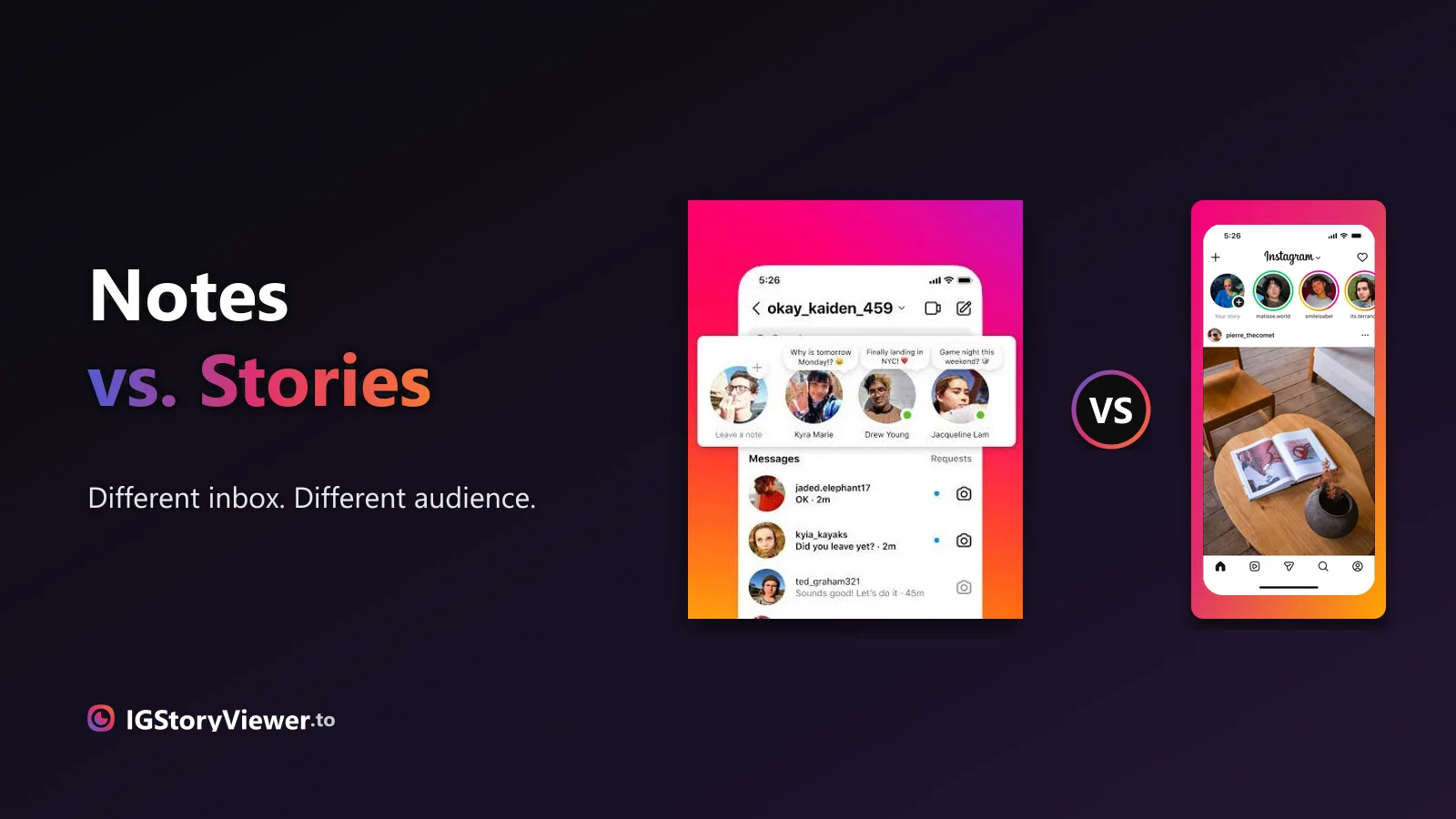
Instagram Notes vs. Stories: What's the Difference and Who Actually Sees It
A Note lives above your DM inbox and disappears in a day. A Story lives in the main feed. Here's what actually separates them.
 IG Story Viewer TeamAugust 30, 20267 min read
The viewer list tells you who watched — but people read far more into it than it shows. Here's what it actually reveals, what the order means, and what disappears after 24 hours.
You post a story, and within minutes you're back in the app checking one thing: who's seen it? Instagram gives you a list — but people read a lot more into that list than it actually shows. The order especially sends everyone down a rabbit hole.
This is the plain version of what the viewer list really tells you: how to find it, what each part means, why that one person is always at the top, and what happens to all of it after 24 hours.
It takes two taps. Open your own active story, then swipe up (or tap the small row of viewer icons in the bottom-left). Instagram shows the full list of accounts that have watched, with a running count at the top.
Tap your profile picture at the top of your feed, or your story ring, to view your own story.
Or tap the little stack of viewer icons in the bottom-left corner of the story.
You'll see every account that watched, plus a total count. That's the only place this data lives.
One thing to know up front: this only works on your own story, and only while it's within its 24-hour life (plus a short grace period after). There's no way to see viewers on someone else's story, and no way to check a story that already expired days ago.
Here's where most of the myths live. The viewer list is a simple record of which accounts opened your story. People assume it carries far more signal than it does, so it's worth separating the two.
| The order ranks who likes you most | An algorithmic mix of interaction and recency, not affection |
| You can see how long each person watched | Only that they opened it — no watch-time is shown |
| It tells you if someone screenshotted | Nothing about screenshots; that isn't reported for stories |
| The top viewer is "stalking" you | They interact with you often, or opened it recently |
| A re-watch shows up as a second view | Each viewer appears once, no matter how many times they watch |
| The list lasts forever | It disappears when the story expires after 24 hours |
The pattern is that the list is quieter than it looks. It confirms that someone watched. It doesn't tell you how long, how often, or how they feel about it — and it never reports a screenshot.
This is the question that launches a thousand theories. The honest answer: Instagram has never fully published how it orders the viewer list, and the order shifts over a story's life. Early on, viewers often appear roughly in the order they watched. Once a story has racked up enough views, the order changes to something the algorithm decides.
What the order is not is a ranking of who has a crush on you or who stalks you most. The signals it appears to weigh are ordinary: how often you and that person interact (likes, DMs, profile visits), and how recently they viewed. Someone who DMs you regularly and watches your stories fast will tend to sit near the top — not because Instagram is measuring longing, but because you two interact a lot.
It vanishes when the story expires.
Re-watches don't stack up as extra views.
Stories don't flag captures to you.
If the order really bothers you, the useful reframe is this: it's a rough popularity-of-interaction signal, not a diary of anyone's feelings. Reading romance into row one is where people go wrong.
A common worry: someone viewed your story but didn't like it or reply. Does that mean something? Almost always, no. The vast majority of story views are silent — people tap through dozens of stories in one sitting without reacting to any of them. A view with no reaction is the default behavior, not a snub.
Reactions and replies are a separate, optional layer on top of the view. Plenty of people who genuinely care about your posts never tap the heart or fire off a DM — they just watch and move on. Treat the viewer list as "who saw it," not "who cared," and you'll read it far more accurately.
Once your story passes the 24-hour mark, it disappears from your followers' feeds — and the viewer list goes with it. There's a short grace period where you can still open the expired story from your archive and see who watched, but that window closes fast. After that, the list is gone for good; there's no setting that brings it back.
If you want a permanent record of who saw something, the viewer list isn't it. Saving a story to your Highlights keeps the story visible, but Highlights don't preserve the original viewer list — views on a Highlight are counted differently and far less completely. The 24-hour list is a snapshot, not an archive.
Understanding your own viewer list makes the reverse obvious. Just as you can see who watched your story, anyone whose story you open can see your name on theirs. Every view you make inside the app lands on someone else's list, exactly the way theirs lands on yours.
If you'd rather watch a public account's story without adding your name to their list, that's the one case where a browser-based viewer helps — you view the story without ever opening it as your logged-in self. Our free Instagram story viewer does exactly that for public accounts (here's how, step by step), and we walk through when it does and doesn't help in watching stories without them knowing.
The viewer list is honest but modest: it tells you who opened your story, once each, for 24 hours. It doesn't rank affection, measure watch-time, or flag screenshots, and the order is an interaction signal rather than a stalker chart. Read it for what it is — a quick tally of who saw your post — and it stops being a source of anxiety.
Paste a public username and view the story in your browser — your name never lands on their viewer list.
We build a free, anonymous Instagram story viewer and write practical guides on watching, saving, and understanding Instagram stories — without the hype.
More about usA Note lives above your DM inbox and disappears in a day. A Story lives in the main feed. Here's what actually separates them.

The row of circles under your bio is simpler to build than it looks — here's how to create one, design a cover that matches, and edit it without losing anything.