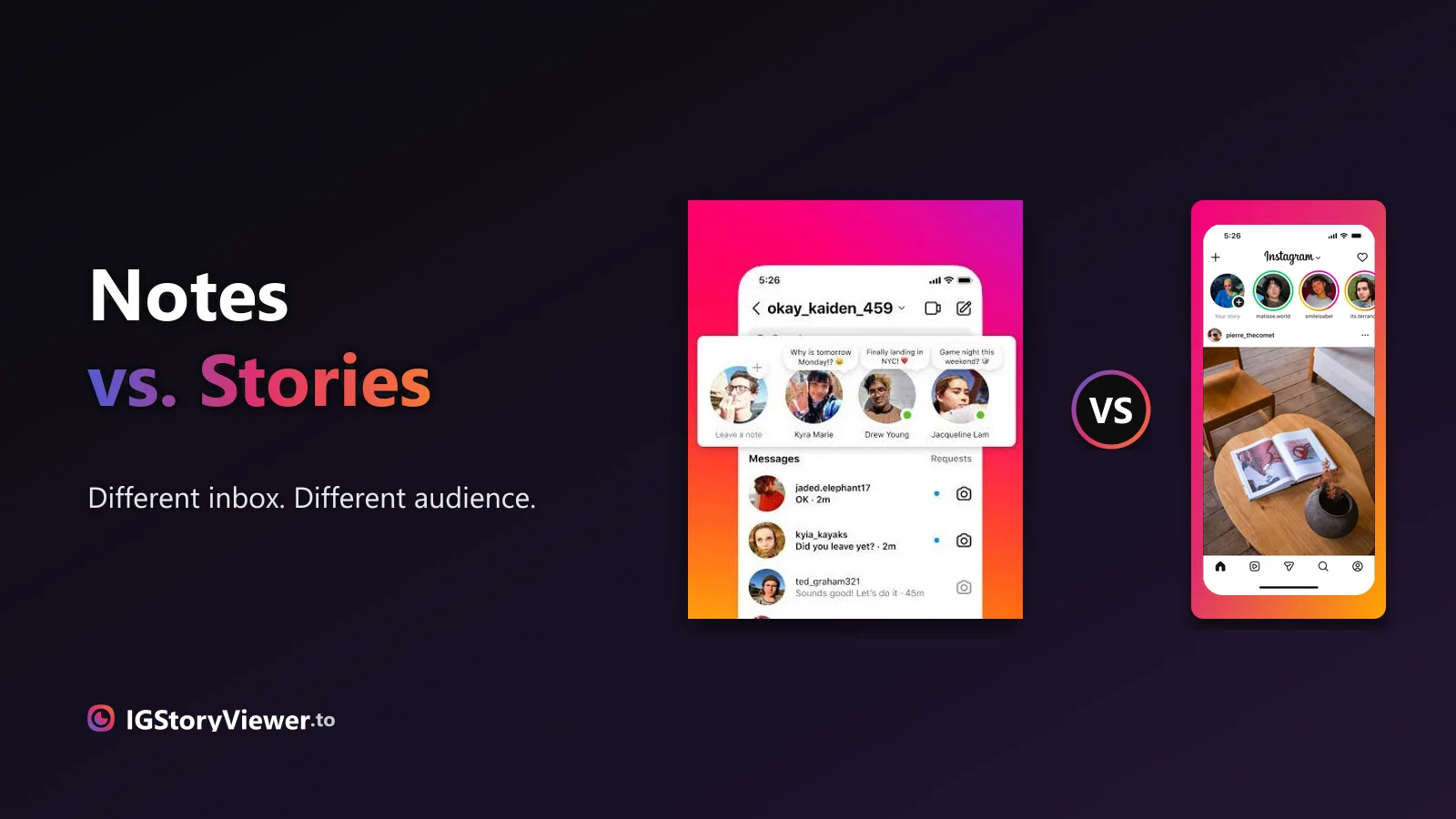
Instagram Notes vs. Stories: What's the Difference and Who Actually Sees It
A Note lives above your DM inbox and disappears in a day. A Story lives in the main feed. Here's what actually separates them.
 IG Story Viewer TeamSeptember 2, 20267 min read
You want to screenshot a story but you're worried they'll get an alert. Here's the honest yes/no for stories, posts, Reels, and DMs — and the single exception that does notify.
You see something on a story worth keeping — a sale, a quote, an outfit — and your thumb hovers over the screenshot buttons. Then the doubt kicks in: will they get a notification that I screenshotted it? It's the question that stops a lot of people mid-tap.
Here's the short version, and it's good news for most cases: no. Instagram does not notify someone when you screenshot their story. But there's one specific place where it absolutely does — and the myth exists because that exception is real. This is the honest breakdown, type by type.
No. If you screenshot someone's Instagram story, they are not told. There's no "so-and-so took a screenshot" line anywhere in the app, and nothing shows up in their notifications, their DMs, or the story's viewer list beyond your normal view.
This one confuses people because Instagram tried it once. Back in 2018 the app briefly tested a screenshot flag on stories, and the rumor never fully died. That test was pulled years ago. As of 2026, screenshotting a story is silent — the poster only knows you saw the story at all if they check the viewer list, and even then it just says you watched, not that you captured it.
No notification, no marker, nothing in their feed.
A story screenshot flag was trialed, then dropped.
Disappearing (view-once / vanish) media in DMs.
It's worth being precise here, because "no screenshot alert" and "they can't tell I looked" are two different things. Screenshotting is silent. Viewing is not — opening a story inside your logged-in account adds your username to that story's viewer list for its 24 hours.
That distinction trips people up constantly. They screenshot a story, then panic when the person later mentions seeing them in their viewers — and assume the screenshot gave them away. It didn't. The view did, the moment the story opened. The capture that came after left no trace of its own.
So if your worry is really "I don't want them to know I looked at all," the screenshot isn't the problem — the view is. That's a separate question, and we cover the reliable fix in our guide to watching stories without them knowing. For screenshots specifically, though, you're clear.
Screenshot behavior isn't one rule — it depends on what you're capturing. Here's the full picture across the app, including screen recording (people ask about that separately, and the answer is the same as screenshots almost everywhere).
| Someone's story | No | No | Screenshot / record only |
| A feed post (photo/video) | No | No | Save link or screenshot |
| A Reel | No | No | Save (bookmark) or screenshot |
| A profile / grid | No | No | Screenshot |
| A normal DM (regular chat) | No | No | Screenshot |
| A disappearing DM (view-once / vanish) | Yes | Yes | Not really — and they're told |
One pattern jumps out of that table: everything is silent except the last row. If you remember a single line from this post, it's that the app only cares about screenshots in disappearing DMs.
Here's where the notification is real. When someone sends you a photo or video in a direct message set to view-once or allow replay, or anything shared inside vanish mode, Instagram treats it as private and temporary. If you screenshot or screen-record that, the sender gets a clear alert — a little "screenshotted" marker appears right in the chat next to the message.
This is the exception that spawned the whole myth. Because disappearing DMs do notify, people assume the whole app works that way. It doesn't. The rule is narrow: it only applies to media sent to disappear inside a private chat — not to stories, not to posts, not to normal messages you can already scroll back to.
Stories · feed posts · Reels · profiles · normal DM chats. Screenshot and screen-record freely; nobody is told.
View-once and replay photos/videos in DMs, and anything sent in vanish mode. Screenshot or record it and a "screenshotted" marker shows in the chat.
Three things keep the "stories notify" rumor alive. First, that real 2018 test — it happened, so it's not pure invention. Second, the disappearing-DM alert is genuine, and people generalize from it. Third, Instagram *does* surface who viewed a story, so it feels like the app is watching your every move; the leap to "it must track screenshots too" is small but wrong.
Knowing why the myth persists is useful, because it tells you what to actually check. If you're ever unsure whether a specific capture will notify, ask one question: is this a disappearing photo or video inside a DM? If yes, assume it notifies. If no — story, post, Reel, normal message — it's silent.
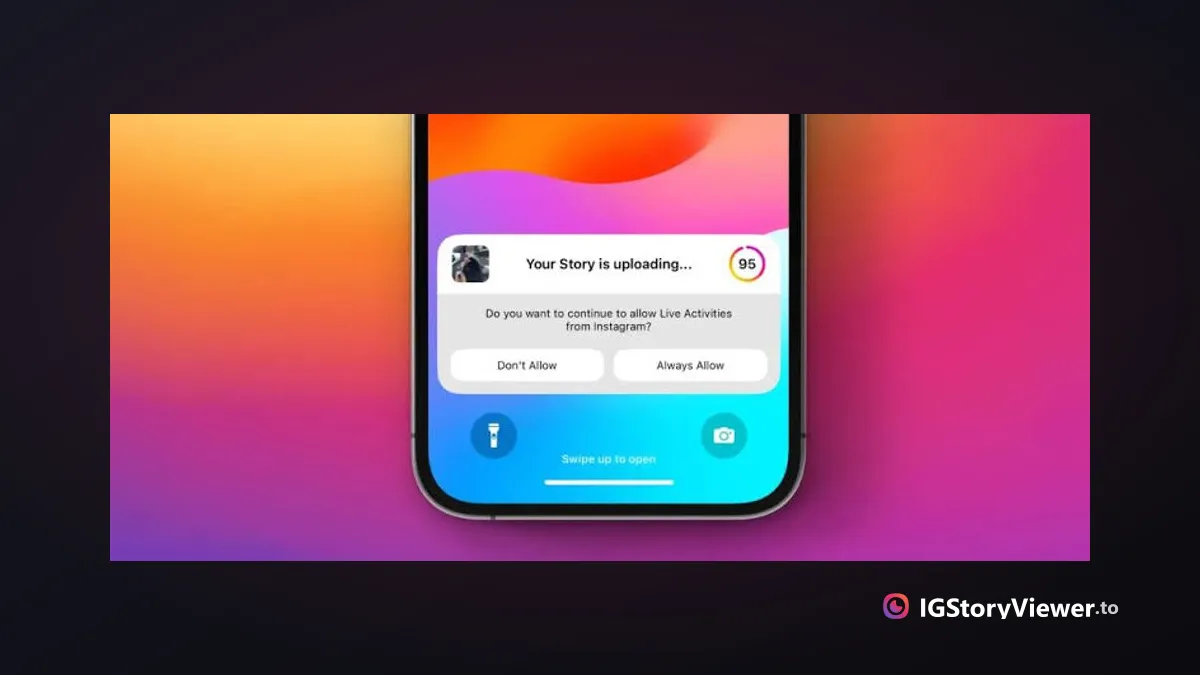
If the reason you want to screenshot is simply to keep a copy of a public account's story, there's a tidier route than a grainy phone screenshot — and it doesn't touch your account at all. An anonymous story viewer loads a public story in your browser, where you can view or download it at full quality without opening it in the app.
That's the idea behind our free Instagram story viewer: paste a public username, the story plays in your browser, and you never appear on the viewer list — no screenshot needed, no login, nothing sent back to their account. It's the cleaner way to keep a public story when a phone screenshot would do, and the step-by-step how-to walks through viewing and downloading in full quality.
For a story, a post, a Reel, or a normal message: no. Capture away — nobody is notified. The single place Instagram draws the line is disappearing DM media, where a screenshot or screen recording puts a marker right in the chat. Everywhere else, in 2026, the screenshot is yours and yours alone.
View or download a public account's story in your browser — no login, no viewer-list trace.
We build a free, anonymous Instagram story viewer and write practical guides on watching, saving, and understanding Instagram stories — without the hype.
More about usA Note lives above your DM inbox and disappears in a day. A Story lives in the main feed. Here's what actually separates them.

The row of circles under your bio is simpler to build than it looks — here's how to create one, design a cover that matches, and edit it without losing anything.