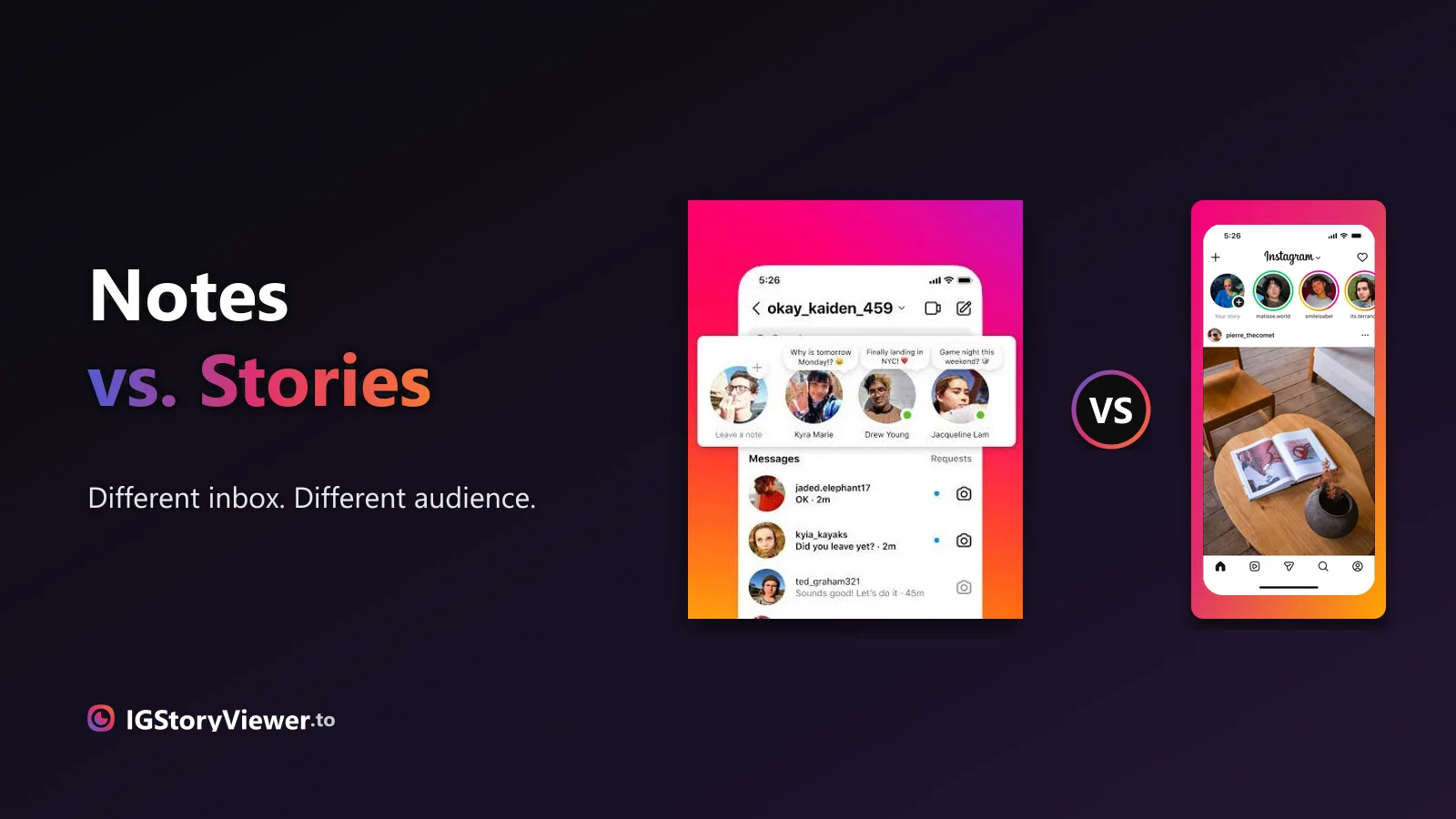
Instagram Notes vs. Stories: What's the Difference and Who Actually Sees It
A Note lives above your DM inbox and disappears in a day. A Story lives in the main feed. Here's what actually separates them.
 IG Story Viewer TeamAugust 23, 20267 min read
Airplane mode, a second account, screen recording — most "anonymous" tricks leak your name anyway. Here's what actually keeps you off the viewer list in 2026.
You want to see what someone posted, but you'd rather they didn't know you looked. Maybe it's an ex, a competitor, a job candidate, or just someone you're curious about. The question is simple: can you watch an Instagram story without showing up in their viewer list?
The short answer: yes, but most of the tricks people share online don't actually work the way they think. Some leave your name on the list anyway. This is an honest look at each method — what hides you, what doesn't, and the one thing to keep in mind before you do it.
Not with a notification. Instagram doesn't ping someone the moment you open their story — there's no "so-and-so just watched" alert. What happens instead is quieter: your username is added to that story's viewer list, which the owner can pull up whenever they like during those 24 hours.
So the honest answer to "will they know?" is: only if they check the list, and only while the story is live. Plenty of people never look. But if you'd rather not leave it to chance — especially with someone who checks often — you'll want a method that keeps your name off the list entirely.
Here's every common trick, and whether it truly keeps you off the viewer list. "Partly" means it works but has a real catch.
| Method | Truly anonymous? | Effort | The catch |
|---|---|---|---|
| Airplane mode trick | Partly | High | Easy to get wrong — one slip and you're logged |
| Second / "finsta" account | No | Medium | That account's name still shows on the list |
| Muting their stories | No | Low | Hides them from you; doesn't hide you from them |
| Asking a friend to look | Yes | Medium | You rely on someone else; slow |
| Screen recording | No | Low | You still opened it first — you're on the list |
| Anonymous story viewer | Yes | Low | Public accounts only (as it should be) |
The airplane mode trick is the famous one: open Instagram, let the stories load, turn on airplane mode, then watch. Because you're offline, the view supposedly isn't sent. It can work — but the timing is fussy. If a story didn't fully preload, or the app syncs the moment you reconnect, your view registers. Most people who "tried airplane mode" ended up on the list without realizing.
A second account feels anonymous because it isn't your main handle. But it's still a username on the viewer list. If it follows them, looks recently made, or has a revealing name, it points straight back to you. And muting doesn't do what people hope — it hides their stories from *your* tray, not your name from *their* list.
Screen recording is the one people get backwards most often. Recording doesn't send a notification — but that's not the point. To record a story, you have to open it first, and *opening* it is what adds you to the list. The recording is silent; the view already happened.
There's also a quieter reason these tricks keep circulating: they *feel* like they should work. Turning off your connection, using a different account, recording instead of watching — each one sounds like it puts distance between you and the view. But the viewer list doesn't care about any of that. It only cares about one thing: did a logged-in account load this story? If the answer is yes, your name is on the list, no matter how you dressed up the moment you opened it.
The right choice depends less on which trick is "best" and more on what you're actually trying to do. Three common situations cover almost everyone:
| What you want to do | Best method | Why |
|---|---|---|
| Peek at one public account | Anonymous browser viewer | No account, no risk, nothing on the list |
| Lurk on someone you follow | Airplane-mode trick (carefully) | A public viewer can't reach it; otherwise you'll appear |
| Keep a permanent copy | Anonymous viewer + screen-record the tab | Saves the clip without ever opening it in-app |
Notice that two of those three come back to the same tool. For anything public — which is most of what people are curious about — viewing outside your logged-in session is the only method that's both reliable and low-effort.
The dependable approach is to view the story without opening it inside your logged-in account at all. An anonymous story viewer fetches a public account's story and shows it to you in your browser. Because you're never signed in and never tap the story in the app, there's nothing to add to the viewer list.
That's the whole idea behind our free anonymous Instagram story viewer: you paste a public username, the story loads in your browser, and your name never appears. There's no login, no app to install, and nothing sent back to their account. Because the request never comes from a signed-in session, Instagram has no username to attach to the view.
In practice it takes about three steps, and none of them touch your own account (there's a fuller walkthrough in how to watch Instagram stories anonymously):
It's worth being clear about the trade-off, because no method is perfect. A browser viewer keeps you off the list reliably, but it only reaches public stories and you're viewing on a webpage rather than inside the app. The airplane-mode trick works from inside the app on any story you can already see — including from accounts you follow — but it's fiddly and fails quietly the moment the timing slips.
Reliably off the list · no login · nothing installed. Public accounts only; you watch in a browser, not the app.
Works inside the app on any story you can already see. Fussy timing; a single slip logs you, and it breaks whenever Instagram changes preloading.

If you opened a story before finding this page, you might be wondering whether the damage is done. Here's the honest version: if you tapped it inside your logged-in app, your username was added to that story's viewer list the instant it played. There's no undo button, no "remove me from viewers" setting, and deleting the app or blocking the account afterward doesn't retroactively pull your name.
The one thing on your side is time. The viewer list only exists for the 24 hours the story is live. Once that story expires, the list goes with it — nobody can look back later and see who watched a story from last week. So if you slipped up, the view isn't erased, but it does disappear on its own within a day. The real fix is for next time: don't open it in the app at all.
Anonymous viewers work with public accounts only. If a profile is private, its stories aren't publicly available, and no legitimate tool can pull them — anything claiming otherwise is asking for your password or worse.
Yes — just not with the trick everyone repeats. Airplane mode is unreliable, alt accounts still expose a name, and screen recording logs you before you ever hit record. If you want to watch a public story without landing on the viewer list, a browser-based anonymous viewer is the one method that does it cleanly.
Curious what does and doesn't trigger alerts more broadly? We break down whether screenshots send a notification, and exactly how anonymous viewers work and how to pick a safe one.
Paste a public username and view it in your browser — no login, no trace.
We build a free, anonymous Instagram story viewer and write practical guides on watching, saving, and understanding Instagram stories — without the hype.
More about usA Note lives above your DM inbox and disappears in a day. A Story lives in the main feed. Here's what actually separates them.

The row of circles under your bio is simpler to build than it looks — here's how to create one, design a cover that matches, and edit it without losing anything.