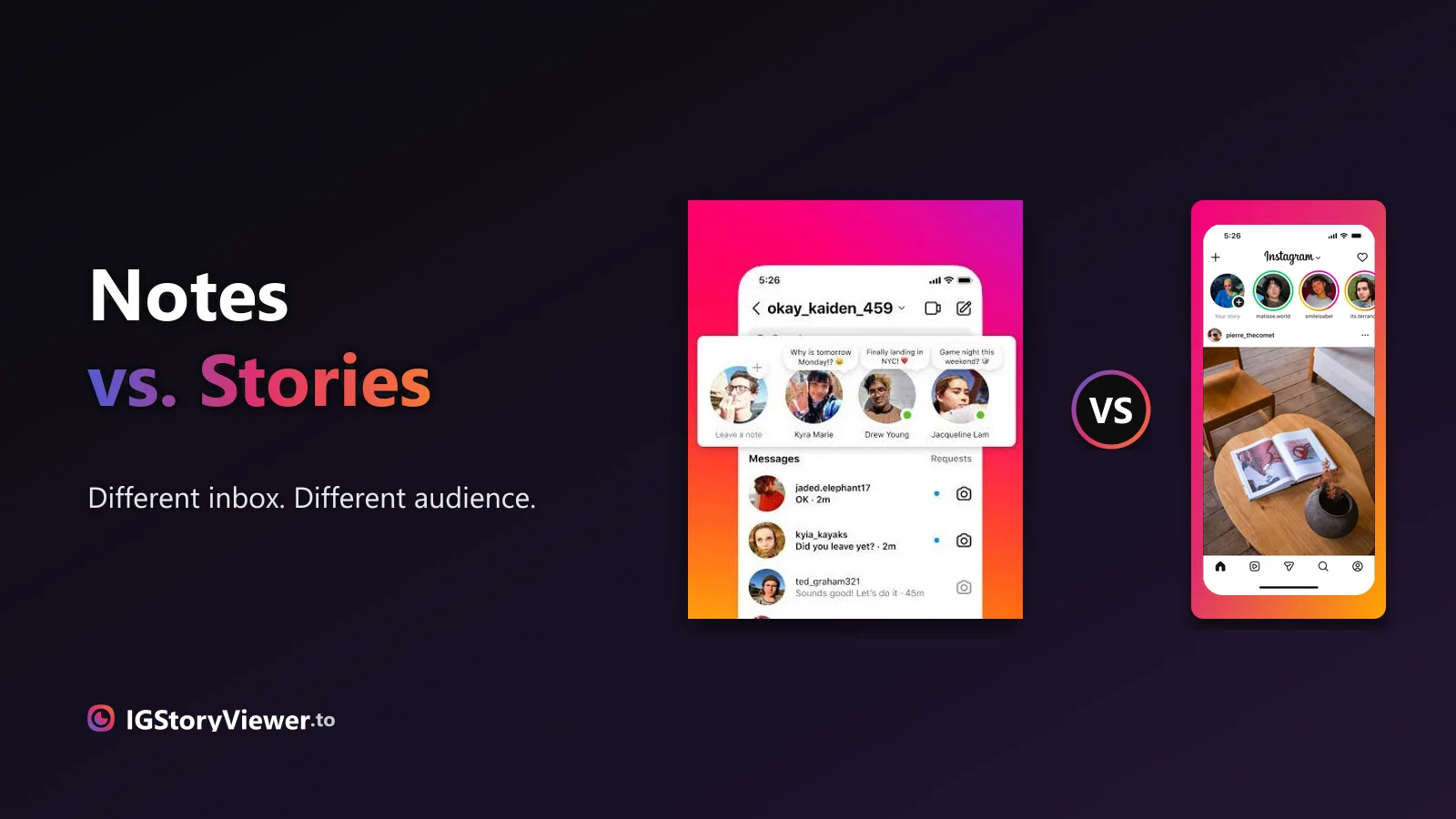
Instagram Notes vs. Stories: What's the Difference and Who Actually Sees It
A Note lives above your DM inbox and disappears in a day. A Story lives in the main feed. Here's what actually separates them.
 IG Story Viewer TeamSeptember 29, 20266 min read
The green ring means someone posted a Close Friends story. Here's what that actually restricts — and whether any viewer, ours included, can get around it.
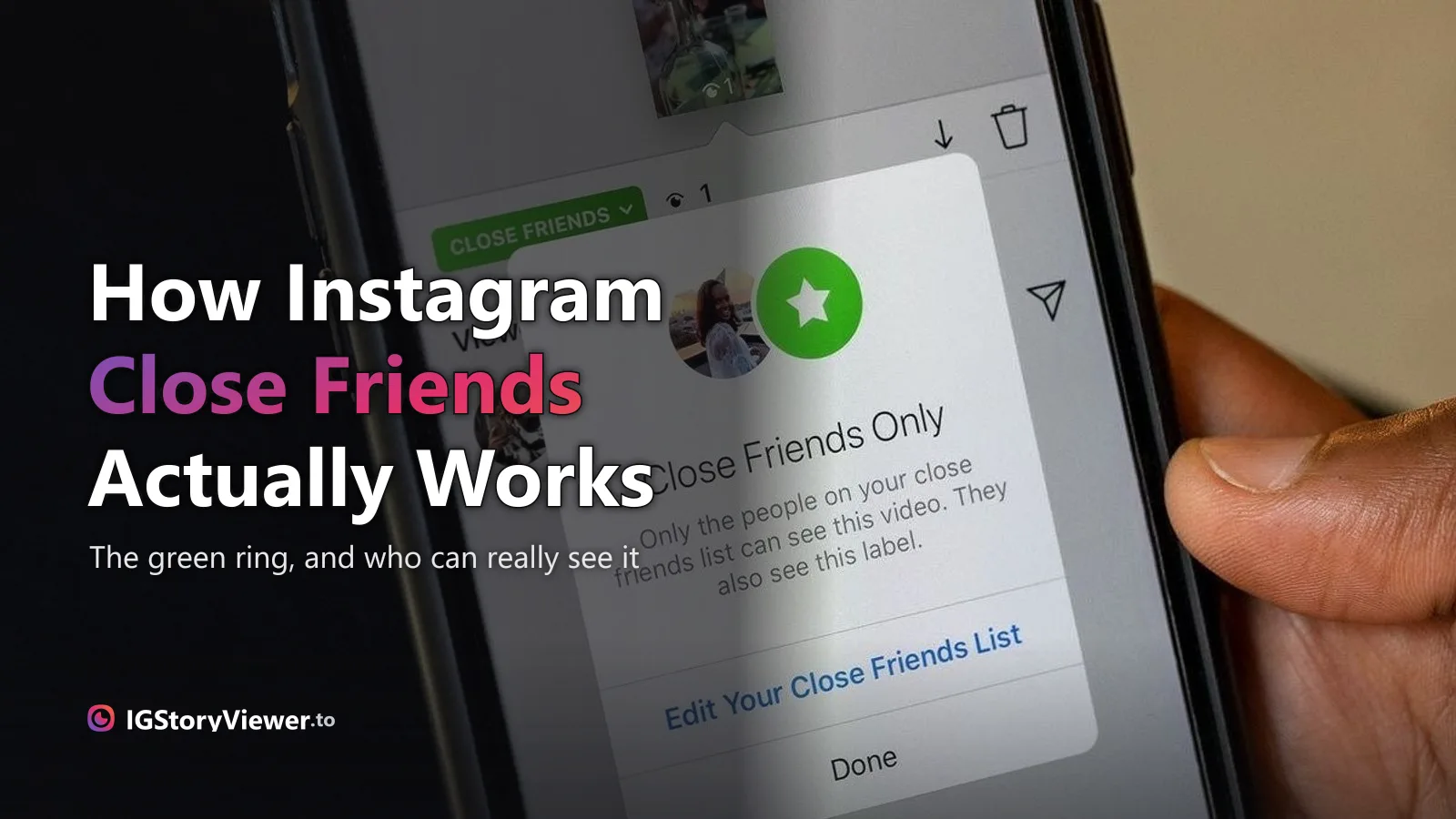
You've seen the green ring around someone's profile picture instead of the usual pink-to-orange one, and you already know roughly what it means: they've posted to Close Friends, a smaller, separate story that only some people get to see.
Two questions come up every time this happens. Can you find out who's actually on that list? And if you're not on it, is there any way to see the story anyway? Both have honest, slightly disappointing answers — worth knowing before you go looking for a workaround that doesn't exist.
Close Friends is a single list you build once, in your own settings — not a mutual follow, not a subscription, just people you've manually added. When you post a story and choose the green Close Friends option instead of the usual Your story, only the accounts on that list can see it. Everyone else — including people who follow you — sees nothing at all, not even a hint that a story went up.
The list itself is private. Instagram never shows it to anyone but you, and there's no setting, request, or public profile detail that reveals who's on it — not even to the people who are on it.
| Who can see it | Anyone who follows you (or anyone, if your account is public) | Only accounts you've manually added to the list |
| Ring color | Standard Instagram gradient | Solid green |
| Appears in your story row | Yes, for anyone allowed to see it | Only for people on the list — invisible to everyone else |
| Screenshot notification | No notification (same as any story) | No notification (same as any story) |
| Who can reply | Anyone who can see it | Only people on the list |
No — worth being direct about, since it's one of the most searched questions about this feature. Instagram doesn't expose Close Friends lists through the app, the API, or a public profile in any form. The only account that can ever see the full list is the person who built it.
You get exactly one honest signal, and it only applies to you: if you're on someone's list, you'll see their Close Friends stories — marked with the green ring — whenever they post one. If you're not, you'll never see them post at all. No green ring, no notification, nothing visibly missing from your feed that would tip you off.
No, and that's true no matter what tool you try — including a story viewer like ours. A Close Friends story is never sent to accounts outside the list in the first place; there's no public link, no cached copy, and no page it loads on that a browser, a screen recorder, or an anonymous viewer could reach. It's restricted on Instagram's servers, not hidden somewhere in the interface.
That's genuinely different from their regular story. If someone has a public account, their normal story — the one anyone can see — is exactly what an anonymous story viewer is built for: public content, viewed without opening the app or landing on anyone's viewer list. Close Friends content was never public to begin with, so it sits outside what any honest tool can do.
Visible to anyone if the account is public — this is what a story viewer is actually built to show you.
Never public to begin with. No viewer, extension, or workaround can reach it — only being added to the list can.
Instagram doesn't send a notification either way. You'll know you've been added the first time you see someone's story with a green ring around their profile picture — that ring only appears for stories you're actually allowed to see.
Being removed is quieter still. There's no message and no missing-follower-style alert — their green-ring stories simply stop showing up. If you're unsure, the only reliable way to know is to ask them directly; nothing in the app confirms it either way. It's the same "no notification" pattern behind what your story viewer list does and doesn't reveal — Instagram tends to stay quiet rather than announce a change.
The list lives in your own settings, separate from your followers or following list, and you can edit it any time — adding or removing someone never notifies them.
From your profile, go to Settings, then Close Friends — it has its own entry, not tucked inside Privacy.
Search and select anyone who follows you. There's no cap tied to your total follower count.
When you post a story, choose Close Friends instead of Your story. Everyone on the list sees it; nobody else does.
It's easy to treat a Close Friends list like a ranking — being on it feels like a compliment, being left off feels pointed. In practice, most people use it for something far less loaded: a family group update, a smaller circle for something personal, or just fewer people to think about when posting something unpolished. Reading it as a popularity contest gives it more weight than it was ever built to carry.
If you just want to see what an account posts publicly, without wondering about any of this, our story viewer does exactly that — their current public story, if they have one, right in your browser, with nothing to sign into and nothing added to any list on either side.
No Close Friends list required — see any public account's current story in your browser, at full quality.
We build a free, anonymous Instagram story viewer and write practical guides on watching, saving, and understanding Instagram stories — without the hype.
More about usA Note lives above your DM inbox and disappears in a day. A Story lives in the main feed. Here's what actually separates them.

The row of circles under your bio is simpler to build than it looks — here's how to create one, design a cover that matches, and edit it without losing anything.